

My First Week Learning JavaScript: From Variables to Arrays
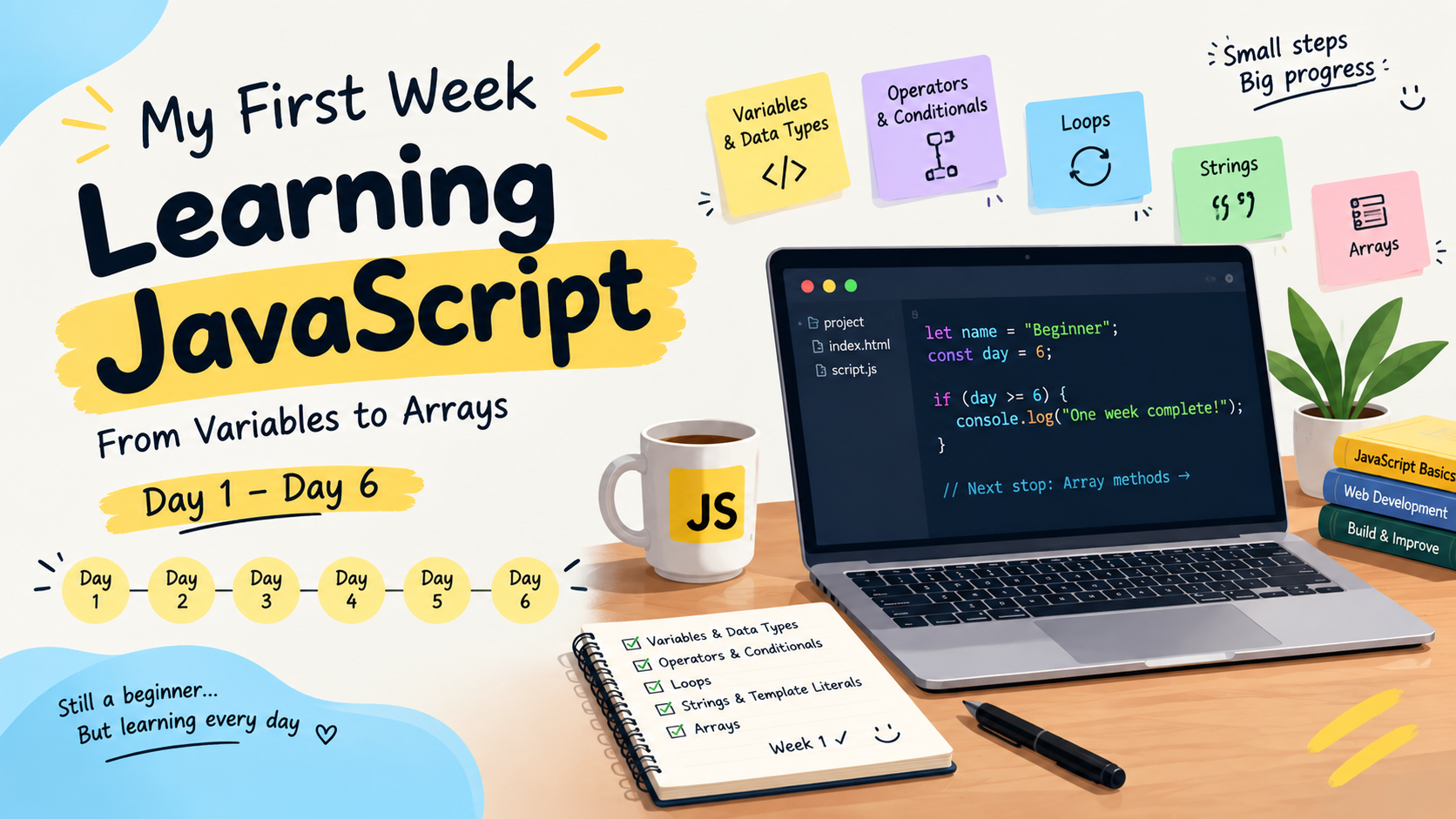
A week ago, I started learning JavaScript.
I am a beginner in web development and this is my first time seriously learning JavaScript. Instead of waiting until I become good enough to talk about it, I decided to document the journey while I am still learning.
So this is not an advanced JavaScript tutorial.
It is simply a record of what I learned during my first week, what confused me, the mistakes I made and the small things that finally started to make sense.
Let's start from the beginning.
Day 1 - Connecting JavaScript with the Browser
The first thing I learned was how JavaScript connects with a webpage.
I already knew that HTML is used to create the structure of a webpage and CSS is used to style it.
JavaScript adds functionality and interaction.
For example, I can connect a JavaScript file to an HTML page:
<!DOCTYPE html>
<html>
<head>
    <title>My First JavaScript</title>
</head>
<body>

    <h1>Hello JavaScript!</h1>

    <script src="script.js"></script>
</body>
</html>
And inside script.js:
console.log("Hello from JavaScript!");
Seeing my JavaScript code run in the browser was a small thing, but it made the learning process feel real.
I was not just reading about JavaScript anymore.
I was actually running it.
Day 2 - Variables and Data Types in JavaScript
Next, I learned about variables.
The basic idea was simple:
A variable gives us a name that we can use it to store a value.
For example:
let name = "Dharmapada";
let age = 20;
const country = "India";
I also learned about some common JavaScript data types:
let name = "Dharmapada"; // String
let age = 20;            // Number
let isStudent = true;    // Boolean
let result;              // Undefined
let value = null;        // Null
Difference Between Var and Let in JavaScript
This was one of the first things that confused me while learning JavaScript.
I initially thought that, the main difference was simple var could be updated while let could not be updated.
That I s not correct.
For example:
let age = 20;
age = 21;
This is allowed because let variables can be reassigned.
But this is not allowed:
let age = 20;
let age = 21;
You cannot redeclare the same let variable in the same scope.
But var behaves differently:
var age = 20;
var age = 21;
A var declaration can be redeclared in the same scope.
There is also an important difference in scope.
Let and const are block-scoped, while var is function-scoped rather than block-scoped.
Finally I understood that:
let -> can be reassigned
const -> cannot be reassigned
var -> older way of declaring variables with different scoping behavior
I know there is more to learn about scope, but this is where I am right now.
Day 3 - Operators and Conditionals in JavaScript
After variables, I started learning about operators.
Some of the operators I practiced were:
+ (Addition / Concatenation)
- (Subtraction)
* (Multiplication)
/ (Division)
% (Remainder / Modulus)
** (Exponentiation)
++ (Increment by 1)
-- (Decrement by 1)
I also learned comparison operators:
> (Greater than)
< (Less than)
>= (Greater than or Equal to)
<= (Less than or Equal to)
=== (Strictly Equal)
!== (Strictly Not Equal)
== (Equal)
!= (Not Equal)
And logical operators:
&& (Logical AND)
|| (Logical OR)
! (Logical NOT)
These operators become especially useful when working with conditions.
For example:
let age = 20;

if (age >= 18) {
    console.log("You are an adult");
} else {
    console.log("You are not an adult");
}
This was my first real introduction that how JavaScript can make decisions.
Difference Between Pre-increment and Post-increment in JavaScript
One thing that confused me was the difference between:
x++
and:
++x
Eventually, I started remembering it like this:
Post-increment:
Use the value -> increase it
Pre-increment:
Increase the value -> use it
For example:
let x = 5;

console.log(x++); // 5
console.log(x);   // 6
But:
let x = 5;

console.log(++x); // 6
This was one of those concepts that became much clearer after running the actual code.
Day 4 - Loops in JavaScript and My First Infinite Loop
Then came loops.
I learned that loops allow us to repeat a piece of code without writing the same code again and again.
For example:
for (let i = 1; i <= 5; i++) {
    console.log(i);
}
This prints:
1
2
3
4
5
I also practiced a while loop.
And this is where I made one mistake.
I wanted to print my name 30 times.
I wrote the code like this:
let i = 1;

while (i <= 30) {
    console.log(i, "Dharmapada");
}
And suddenly my console started printing unlimited. 😅
After some time my web browser became white and nothing was visible even the close button.
At first, I could not understand what was happening.
Then I noticed the problem.
I never changed the value of i.
So the condition:
i <= 30
was always true.
I fixed it by increasing i inside the loop:
let i = 1;

while (i <= 20) {
    console.log(I, "Dharmapada");
    i++;
}
This was a simple mistake, but it taught me something important:
When working with loops, I need to think about how and when the loop will stop.
Day 5 - Strings and Template Literals in JavaScript
Next, I learned about strings.
A string is basically text:
let name = "Dharmapada";
I practiced some string methods as well.
For example:
let message =  "   I Am Dharmapada    ";

console.log(message.length);
console.log(message.toUpperCase());
console.log(message.toLowerCase());
console.log(message.trim());
Example: 2
let text = "hello";
console.log(text.replace("l", "p"));
console.log(text.replace("h", "y"));
I also learned about template literals.
Before learning template literals, I could combine strings like this:
let name = "Dharmapada";
let age = 20;

console.log("My name is " + name + " and I am " + age + " years old.");
With template literals, I can write:
console.log(`My name is ${name} and I am ${age} years old.`);
I found this much easier to read and write.
The important part for me was understanding that the backticks allow expressions to be inserted using ${}.
Day 6 - Arrays in JavaScript
Then I started learning about arrays.
An array allows us to store multiple values of different data types together in a single variable.
For example:
let fruits = ["Apple", "Banana", "Mango"];
I learned that array indexes start from 0.
So:
console.log(fruits[0]);
prints:
Apple
And:
console.log(fruits[2]);
prints:
Mango
I also practiced some simple array problems.
Exercise 1 — Find Average Marks
I created an array containing marks and practiced calculating their average.
This helped me combine concepts I had already learned, especially arrays, loops and arithmetic operators.
Exercise 2 — Apply an Offer to Item Prices
The second exercise was to calculate new prices after applying an offer.
This one gave me a small debugging problem.
I calculated the new prices, but they were not being stored in the original array the way I expected.
Instead of just looking at the final solution, I tried to understand where my logic was going wrong.
That debugging process was probably more useful than simply getting the correct answer.
What I Learned From My First Week
When I started this week, I thought that learning JavaScript would mostly be about learning syntax.
After one week, I don't think that is completely true.
Syntax is only one part.
The bigger challenge is understanding:
"When should I use this?"
For example, I learned what a loop is.
But then I need to figure out:
When should I use a loop?
Which loop should I use?
When should the loop stop?
What happens if I forget to update the counter?
The same thing happened with variables, arrays and conditionals.
The concepts make much more sense when I actually use them.
What is Next?
My next topic is array methods.
I will be learning and practicing methods such as:
map()
filter()
find()
forEach()
I am interested in understanding the difference between these methods and when each one is useful.
I will continue documenting the journey as I go.
Final Thoughts:
My first week of learning JavaScript was not perfect.
I got confused.
I made mistakes.
I wrote an infinite loop.
I had code that did not work as I expected.
But I also learned something new every day.
That is enough for Week 1.
I am still a beginner, but now I have somewhere to start from.
Week 1: Complete ✅
Next: Array Methods 🚀
If you are also learning JavaScript, I will be happy to learn alongside you.
Let's keep building.